










Apple AirTags: How to set up and use the tracker

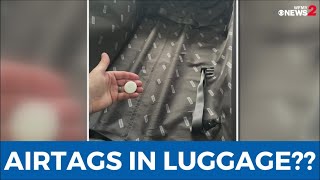
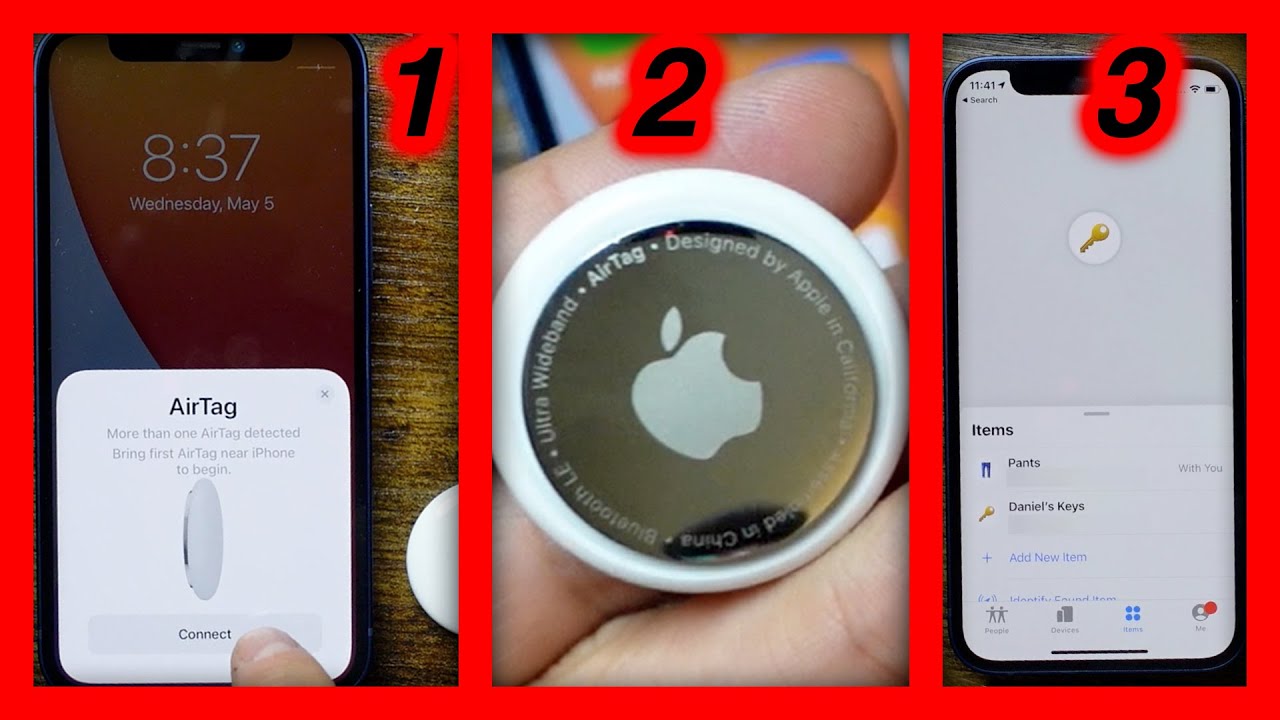
Apple AirTags are tiny disk-shaped Bluetooth trackers that can attach to an item (with a case) like your keys. AirTags use Apple's Find My network to keep their location updated anytime they come into range of another device on Find My. The beacon-style devices work similarly to Tile trackers and Samsung Galaxy SmartTags. But AirTags also have ultrawideband that can connect to your iPhone 11 or 12 for step-by-step directions that guide you to your misplaced item. I walk you through how to set up an AirTag, how to use it and how to find it when it’s lost.
Read more about Apple AirTags: https://cnet.co/3e4bVKr
Read more about setting up AirTags: https://cnet.co/3nCk5Ns
Patrick's Twitter: @trickholland
Products featured in the video:
Apple Air Tag: https://bit.ly/3tdNJtD
Apple AirTag 4 pack: https://bit.ly/3xCR6gK
iPhone 12 Pro Max: https://bit.ly/3u7mSjU
iPhone 12 Pro: https://bit.ly/2QLChIa
*CNET may get a share of revenue from the sale of the products linked above.
Subscribe to the How To Do It All channel: https://www.youtube.com/user/cnethowto
Check out our playlists: https://www.youtube.com/user/cnethowt...
Visit CNET's How To site: https://www.cnet.com/how-to/
Download the new CNET app: https://cnet.app.link/GWuXq8ExzG
Like us on Facebook: https://www.facebook.com/cnet
Follow us on Twitter: https://www.twitter.com/cnet
Follow us on Instagram: http://bit.ly/2icCYYm
#HowTo #Apple #AirTags

SORT BY-
سرفہرست تبصرے
-
تازہ ترین تبصرے