







Tutorial: how non-developers build apps in Claude Code

Link to Resources: https://thenextnewthing.ai/my-resources
Presented by Zapier: https://zapier.com/
Andrew Warner and Adam Brakhane show how to build and publish your first Claude Code app from scratch.
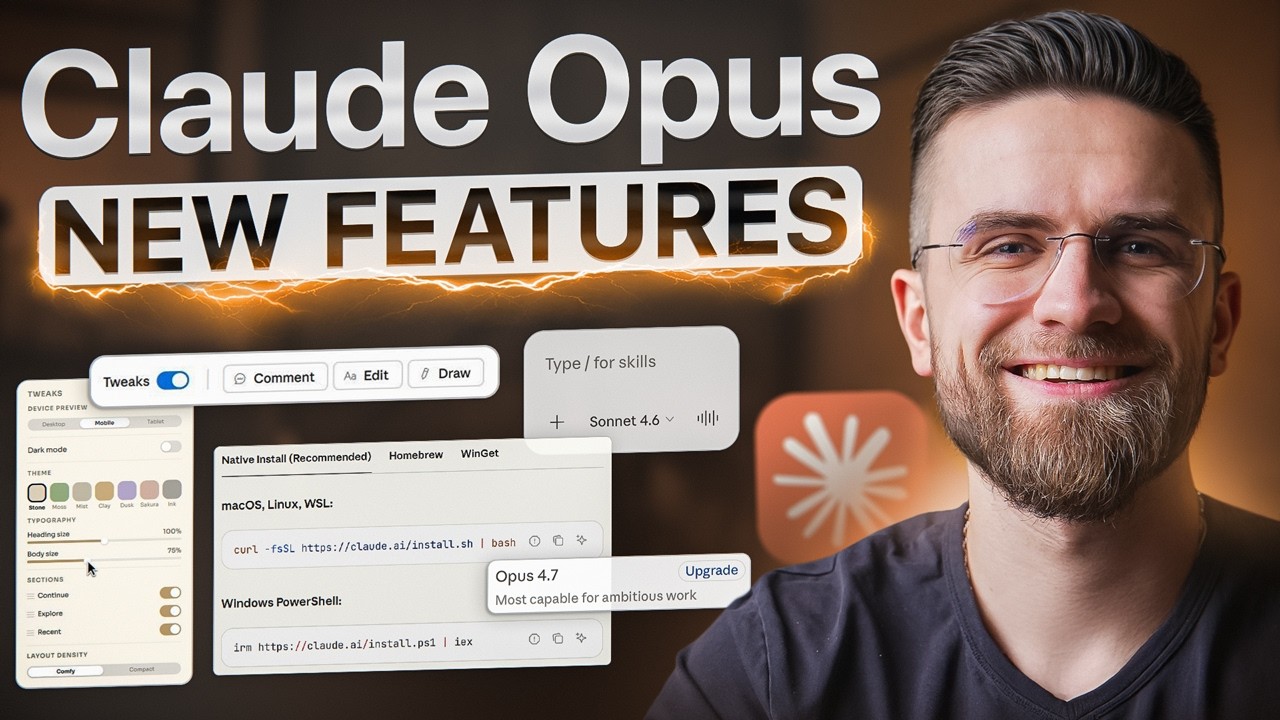
Andrew Warner and Adam Brakhane walk through a practical beginner's guide to Claude Code using VS Code. They cover installing Claude Code, switching models, connecting MCP servers with Zapier, using skills, creating a claude.md project file, building a custom markup tool, and publishing it to Vercel. Along the way, they explain how to structure projects, automate repetitive workflows, and use AI to build useful apps without writing code yourself.
Apps featured:
- Visual Studio Code
- Claude Code
- Anthropic
- Zapier MCP
- Vercel
- Cafe Design Skill
00:00 - Claude Code Demo: Build a custom web app with Claude Code from scratch.
00:36 - Visual Studio Code: Set up VS Code as your AI coding environment.
01:57 - Claude Code Extension: Install and connect the official Anthropic extension.
04:21 - Switching Models: Change models and monitor Claude usage.
05:06 - Zapier MCP: Connect email and other apps with MCP servers.
08:15 - Newsletter Unsubscriber: Build an AI tool to organize and unsubscribe from newsletters.
11:15 - Claude Skills: Install reusable skills to improve AI workflows.
14:15 - Creating Custom Skills: Build reusable prompts for your own projects.
16:03 - claude.md: Give Claude persistent project context with a project memory file.
18:36 - Build a Markup Tool: Clone a simple annotation app with Claude Code.
19:12 - Vercel: Publish your AI-built app to the web in minutes.
22:30 - Next Steps: Use GitHub repos as starting points for your own AI projects.
Media/Sponsorship Inquiries: https://thenextnewthing.ai/l/sponsor
👉 Join us: https://thenextnewthing.ai/

SORT BY-
En Çok Yorumlananlar
-
Son Yorumlar