







A $70 GPU Runs 27B AI with 156K Context | Kindi 0.3

Run a 27B AI model on a roughly $400 AMD mini PC, give an old Quadro K6000 a 156K-token context, or run a local model entirely on your CPU. Kindi 0.3 expands affordable local AI beyond NVIDIA—with AMD support, faster prompt caching, new models and a preview of Kindi Bridge.
Download Kindi, check your card and read the updated manual:
https://amirhusain.com/software/kindi/
Watch Kindi 0.2.0 — four NVIDIA GPU families, two-card inference and 27B models:
https://www.youtube.com/watch?v=z9btEzjmz60
Watch the original Kindi video — where this started on a $15 GPU:
https://www.youtube.com/watch?v=ddAnghj8HpE
WHAT'S NEW
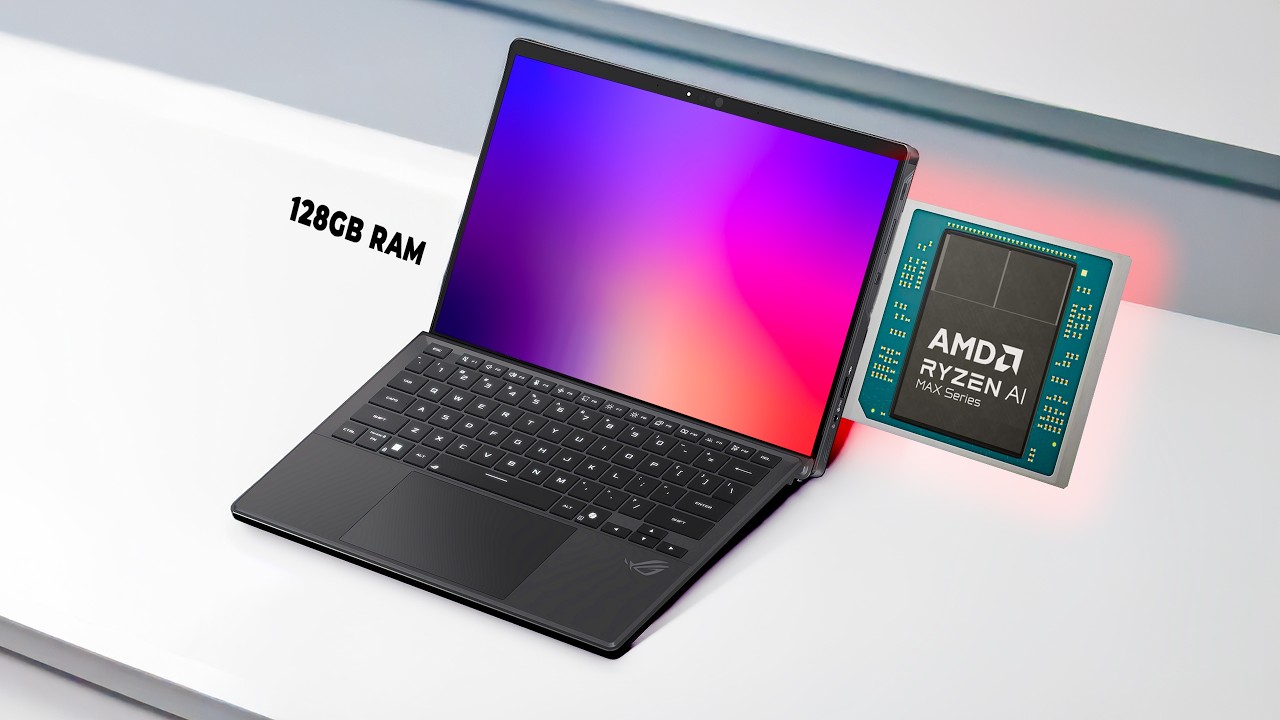
• AMD Radeon 780M / RDNA3 support through ROCm. Custom RDNA3 WMMA int8 and FP16 kernels bring Kindi beyond NVIDIA. A roughly $400 mini PC with 64 GB of unified RAM runs the full 27B model; prompt reading is 1.7× faster than llama.cpp in our tests. That is prompt processing, not a claim of faster output on every AMD workload.
• NVIDIA Nemotron 3.5 Bolt E4B and Gemma 4 support. Ground-up custom CUDA work, including gemma4.cu, token-for-token BPE tokenization, OpenAI-compatible tool calls and thinking mode with streaming reasoning_content.
• Quadro K6000: 27B on a 12 GB Kepler card, with a maximum context of 156,672 tokens!!! This roughly $70 used workstation GPU writes 9.9× faster than llama.cpp on the same card in our benchmark. The listing shown in the video is about $80 including shipping.
• Multi-branch prompt caching: up to 25× faster in the tested cached workload, taking queries on 9K-token documents from 10.7 seconds to 0.42 seconds. Branch Parking (KINDI_PARK_BRANCH=1) lets multiple agent conversations branch from a common prompt without duplicating the shared prompt's memory.
• Multi-GPU, multi-server installer: install.sh scans the machine and provisions independent servers per card or tensor-parallel pairs, plus a CPU companion, in one run. Includes recommended configurations and a dry-run option.
• CPU acceleration with AVX-512 / AVX2 ternary execution. On an AMD Ryzen 9 7940HS, the 2B model writes at 64.8 tok/s versus llama.cpp's 23.6 tok/s—about 2.7× faster. The video also covers the older Core i7-8700.
• Kindi Bridge preview: a curses/tmux terminal workbench pairing the pi coding agent with live Hardware Vitals, streaming token throughput and GPU cycling with Alt-G. Watch the live GTX 1080 / 27B code-review demo. Bridge is described in this recording as arriving separately in the following days.
• In-place conversation unparking: .set() copies replace temporary device-allocation bursts, eliminating that source of out-of-memory crashes when VRAM is packed at 64K+ context.
• RTX 30-series GPU-Unlock detection: the installer detects supported consumer Ampere cards, including RTX 3060 and 3080, with half-rate FP16 driver restrictions, and offers unlocking for full double-rate FP16 Tensor Core performance. This is an optional installer step.
• Interactive model catalog: kindi models and kindi use let you inspect, SHA-256 verify, download, quantize and switch among supported 2B, 4B, 9B, 27B and Nemotron models without editing configuration files.
Also in this update: the searchable “Will Kindi work on my card?” database, measured and community-reported compatibility, and an expanded field manual.
CHAPTERS
00:00 Kindi 0.3: local AI beyond NVIDIA
00:53 Check your card: the compatibility database
02:13 The updated field manual
03:00 New models: Nemotron support
03:52 Quadro K6000: 27B on a budget
05:37 Multi-branch prompt caching
07:20 Installer changes and dry run
07:59 GPU-Unlock for supported cards
09:15 Automatic hardware and model setup
09:55 CPU inference on affordable hardware
11:49 AMD mini PCs: GPU and CPU together
13:01 Kindi Bridge preview
14:02 Live demo: reviewing C code with pi
16:42 VRAM stability and the model catalog
17:57 Share your hardware results
Benchmarks are from our test systems and the release figures accompanying this update; speeds depend on model, context, hardware and settings. Maximum context and peak output speed are separate measurements. Used hardware prices vary.
What hardware are you running? Share your GPU or CPU, model, context length, read/write tok/s and Kindi version in the comments.
#Kindi #LocalAI #LocalLLM
GitHub: https://github.com/ahtx/kindi
